

Skip to content

  • Home
  • All Course
  • Documents
  • Programs
  • Library
  • About
  • หลักสูตร สอวน.
Learning

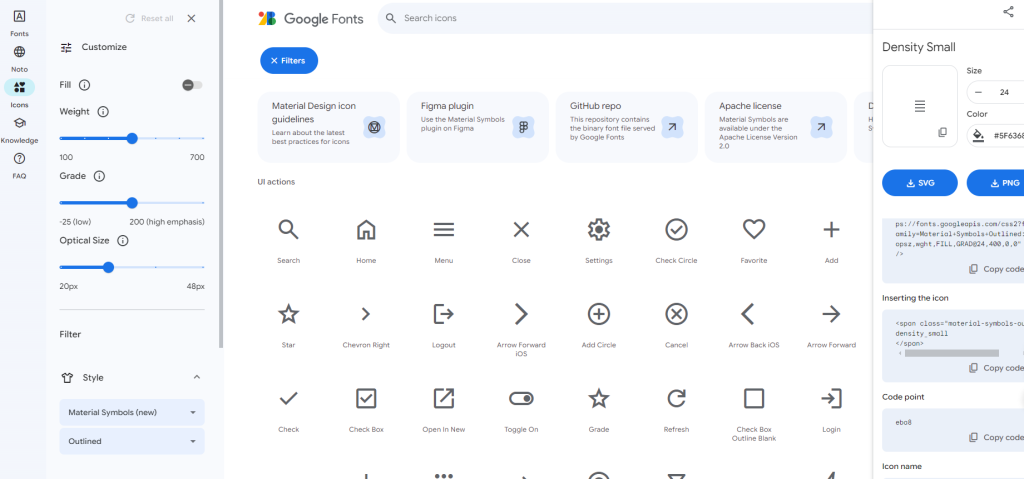
Google Fonts and Icons

adminOctober 1, 2024October 1, 2024

Post navigation

⟵ QR Code Generator
Sidebar Menu in HTML CSS JavaScript ⟶

Related Posts

How to Install Laragon on Windows: A Step-by-Step Guide

Step 1: Download Laragon The first step is to download the Laragon installer from the official website. Go to https://laragon.org/download/ and choose the…
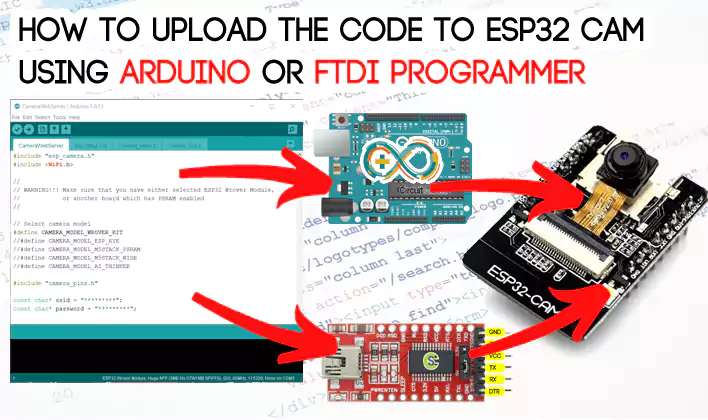
23.How to upload the code to ESP32 CAM using Arduino or programmer

Overview: What is ESP32CAM, how it works, What are its applications? ESP32-CAM AI-Thinker is ESP32 based development board which is…
การติดตั้ง Visual Studio Code (VS Code)

1. การดาวน์โหลด (Download) 2. ขั้นตอนการติดตั้ง (Installation) ขั้นตอนจะเน้นที่ Windows ซึ่งเป็นระบบที่นิยมใช้มากที่สุดครับ: สำหรับ Windows: สำหรับ macOS: 3. การตั้งค่าเบื้องต้นที่แนะนำ เมื่อเปิดโปรแกรมครั้งแรก คุณอาจต้องการปรับแต่งเล็กน้อยเพื่อให้ใช้งานง่ายขึ้น:

Log In

Please log into the site.

Log in

Recent Posts

  • AIoT Object Detection ด้วย ESP32-CAM และ YOLO-World
  • การประยุกต์ใช้ปัญญาประดิษฐ์ด้วยเทคนิค Decision Tree สำหรับระบบรดน้ำอัจฉริยะใน Smart Farm
  • ประมวลผลภาพ Micromouse2027 ภาคอีสาน
  • แนะนำการใช้งานโมดูล PMS5003 สำหรับ PM2.5 เซ็นเซอร์ตรวจจับฝุ่นละออง วัดคุณภาพอากาศ
  • การใช้งาน Maker Drive: Simplifying H-Bridge Motor Driver for Beginner โมดูลขับมอเตอร์อย่างง่าย

Like Us On Facebook

Loading...

Institute of Technology and Digital Innovation
Connecting the Future of Learning Through Limitless Digital Worlds

  • สถาบันเทคโนโลยีและนวัตกรรมดิจิทัล
    เชื่อมอนาคตการเรียนรู้ ผ่านโลกดิจิทัลไร้ขีดจำกัด
Copyright © 2026 | Flash News by Ascendoor | Powered by WordPress.